What can I keep track of in ResiArk?
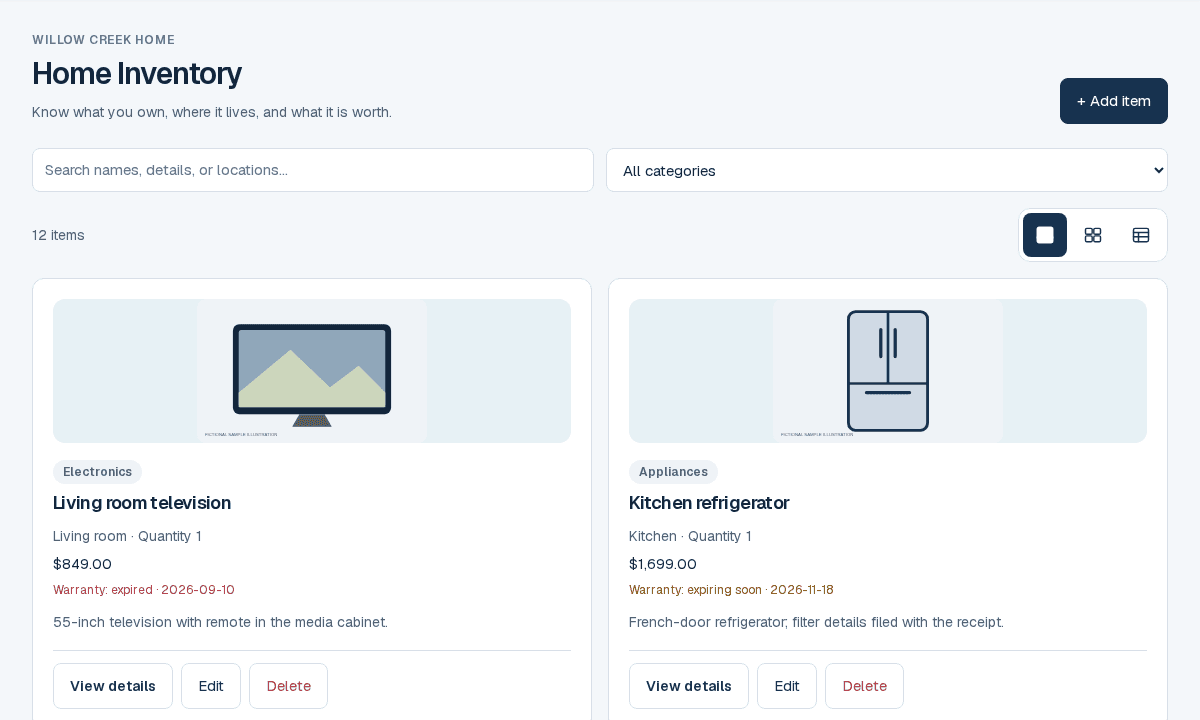
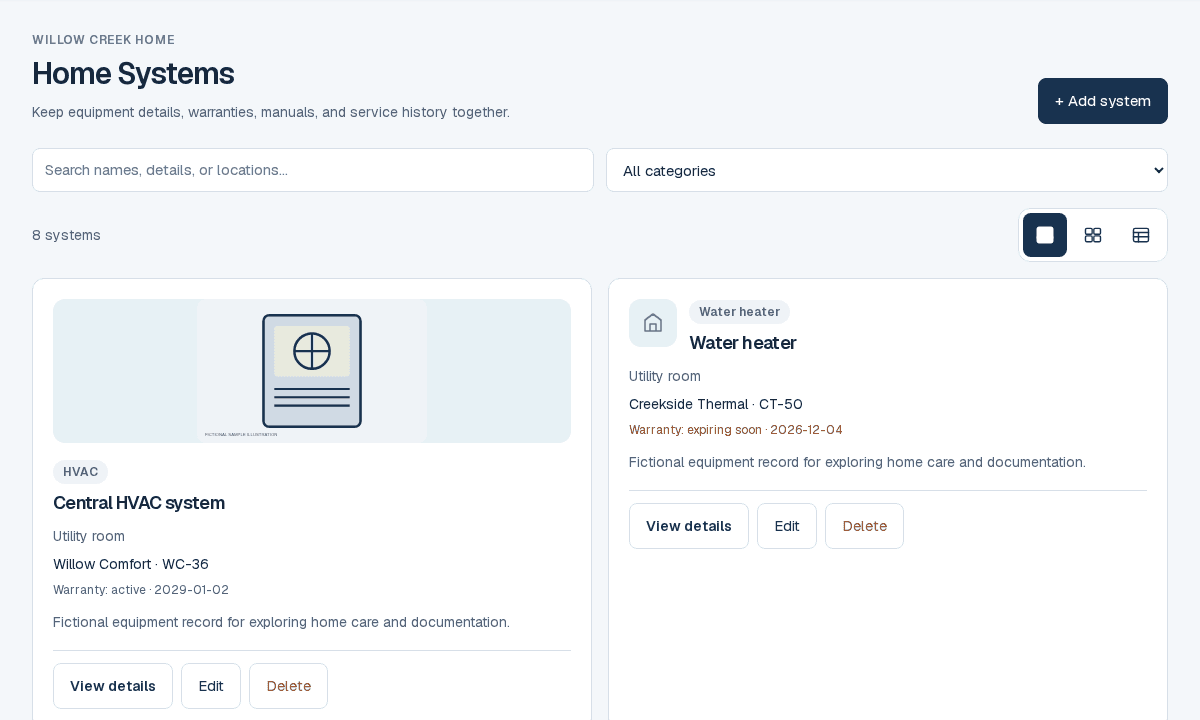
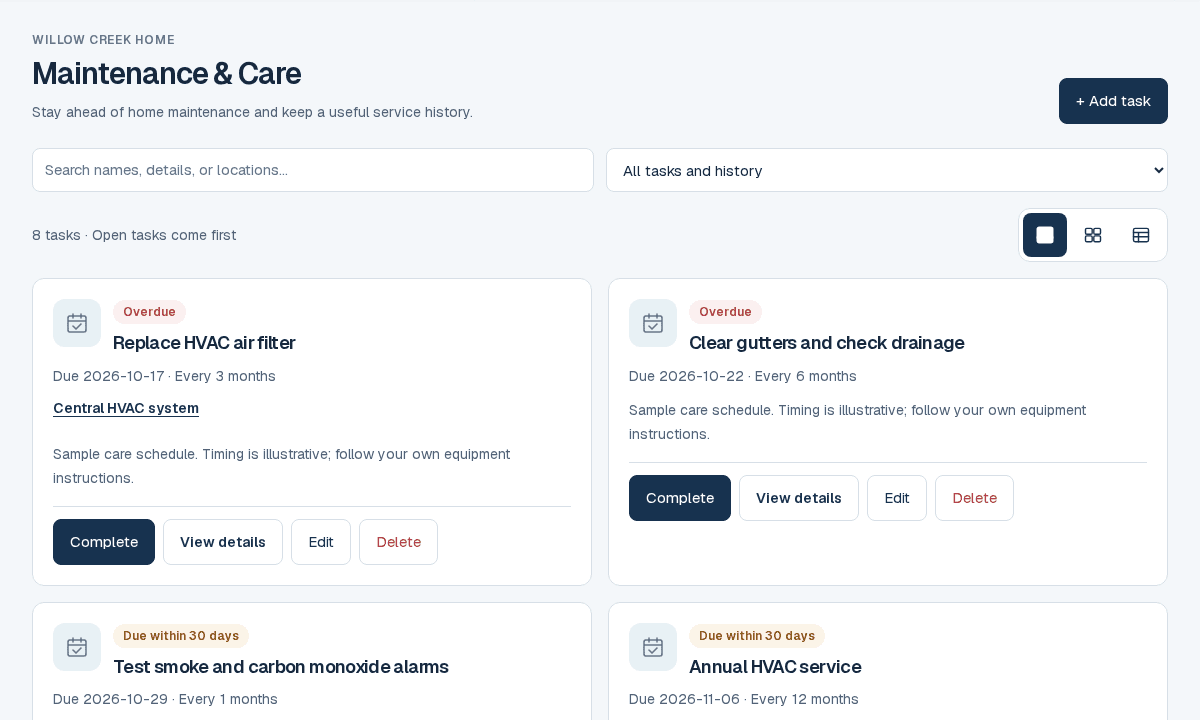
Keep equipment details, belongings, rooms, manuals, warranties, receipts and maintenance history together. You can also organize improvements, recorded service costs and construction information. Start with the parts of your home that matter most to you.
Can I explore before signing up?
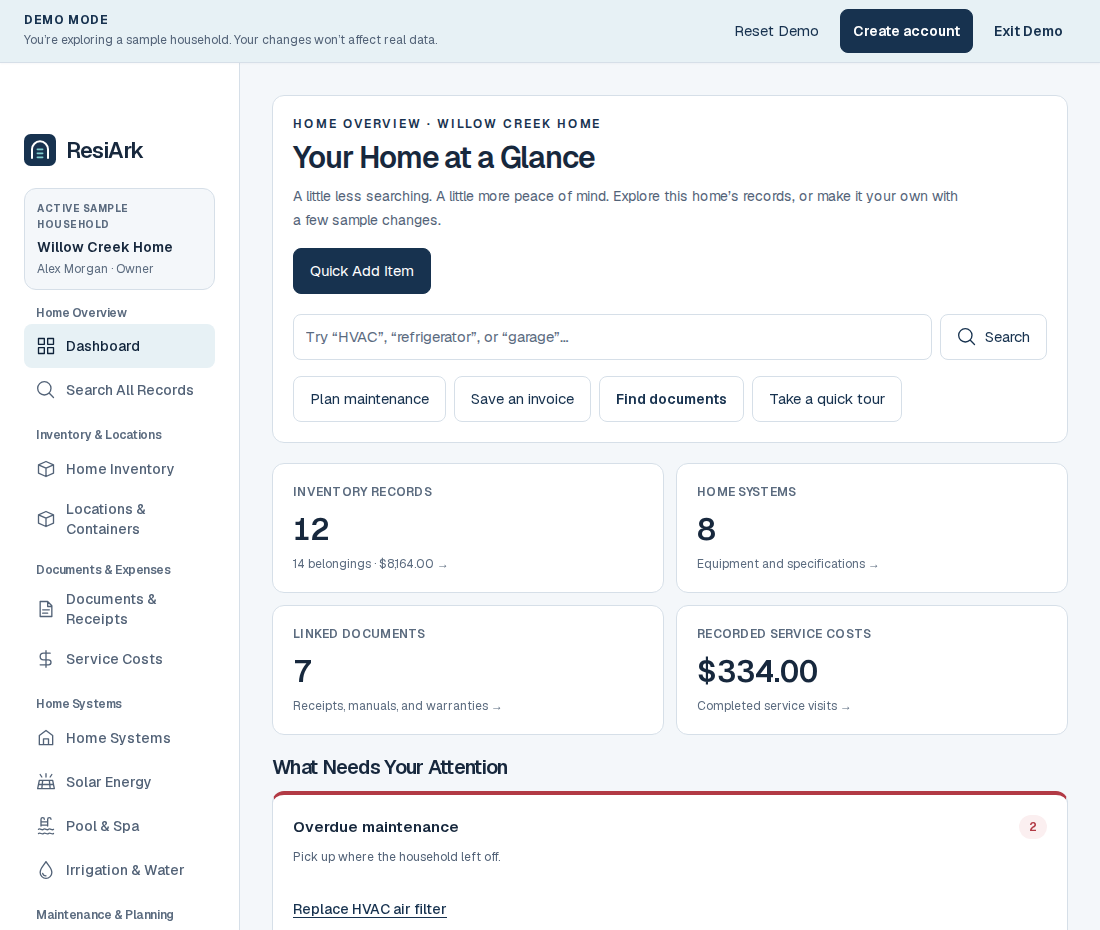
Yes. Choose your situation near the top of the homepage, then open the relevant demo examples. No account is needed. The demo uses fictional households, and changes stay in your browser. In the construction demo you can switch between fictional builder and homeowner roles, submit a selection and review a change.
Which plan should I start with?
Free supports everyday records and home care within its limits. Ark adds capacity and reviewed insurance and handover packages. Ark+ includes construction and up to three homes, plus supported equipment monitoring when configured. The pricing page shows current catalog limits and checkout availability.
Is ResiArk useful if my home is already built?
Yes. Start with an appliance, a useful document or an upcoming care task. Connect rooms, belongings, systems, costs and service history as you go. Core home records are available on every plan within its limits; the Ark+ construction workspace is there when you need it.
Can I keep a copy of my home’s records outside ResiArk?
Yes. Basic export and the home continuity file let you keep an independent copy within the displayed limits. The continuity ZIP includes a printable guide, structured records and selected readable originals. Core recovery restores supported records separately. Ark and Ark+ add reviewed insurance and handover packages. Choose what to include and keep downloaded copies private.
Can I use ResiArk while building a home?
Yes. Ark+ includes a dedicated New Build household and construction workspace. Start with a home name, add property details as plans develop, and optionally invite your builder. Track stages, selections, changes, inspections and punch lists through handover, then preserve the equipment, documents and warranty history for ongoing home care. New Build households do not use your standard home slots.
Can I start with just a few records?
Yes. Start with Free and add an item, a useful document or an upcoming maintenance task. Add locations and specialized systems when they are relevant to your property.
Can ResiArk monitor or control my equipment?
ResiArk does not physically control equipment. Ark+ supports ongoing read-only monitoring through enabled, authorized provider adapters. Setup, provider rights and compatible devices are required; other vendors may be unavailable. Manual records, reported measurements and estimates are distinguished.
Are invoices and receipts connected to equipment?
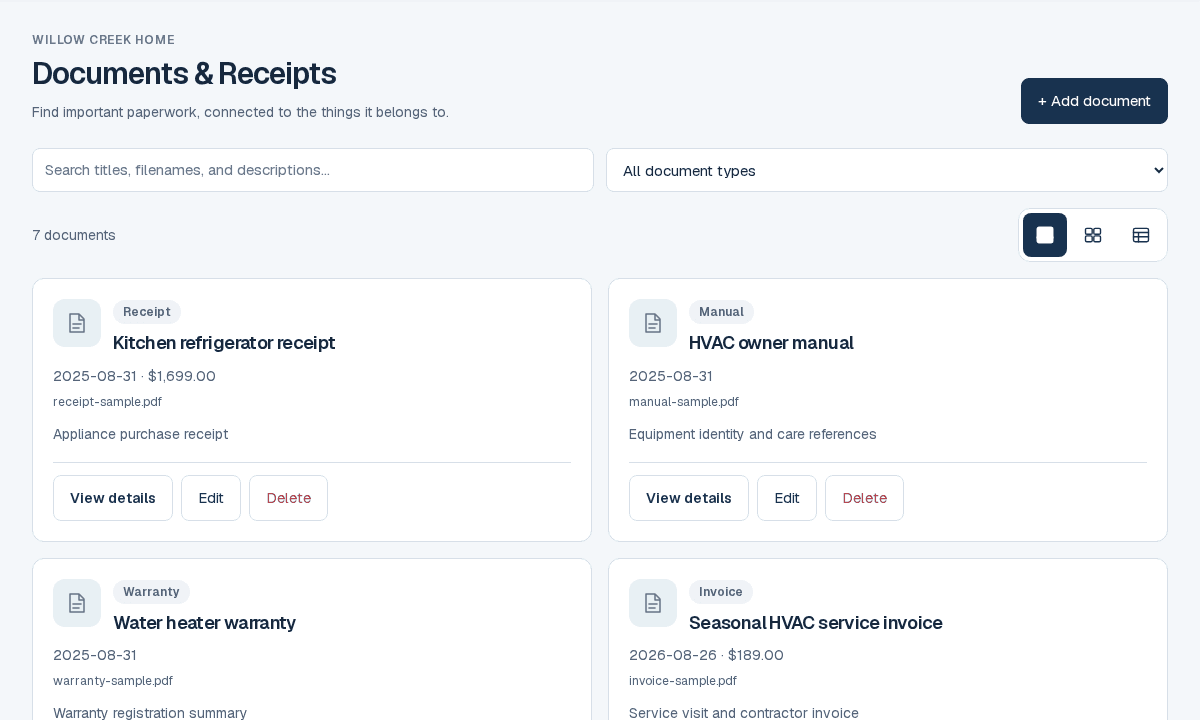
You can link documents to existing items, systems and maintenance. Review extracted suggestions before saving and record each expense once; ResiArk is home recordkeeping, not full accounting software.
Can my family share the home record?
Household owners can invite members and viewers. Permissions and the active household keep property records separate. Free and Ark include one home; Ark+ supports up to three homes.
Does the public demo use customer information?
No. The demo uses fictional sample records and browser-local changes. Specialist values are explicitly simulated. It does not run devices, send reminders or read customer households.
How are uploaded files protected?
Manually uploaded files are encrypted in the browser before private household storage. Authorized household members can access them. This is not end-to-end encryption; review the privacy guide and keep independent copies of important records.
 Read about find the paperwork when you need it